Make the property easy to picture
Build each property page around the questions guests ask before they commit: where everyone sleeps, what’s private and how the place feels.

Put the feeling of your stay and the path to booking on the same page.
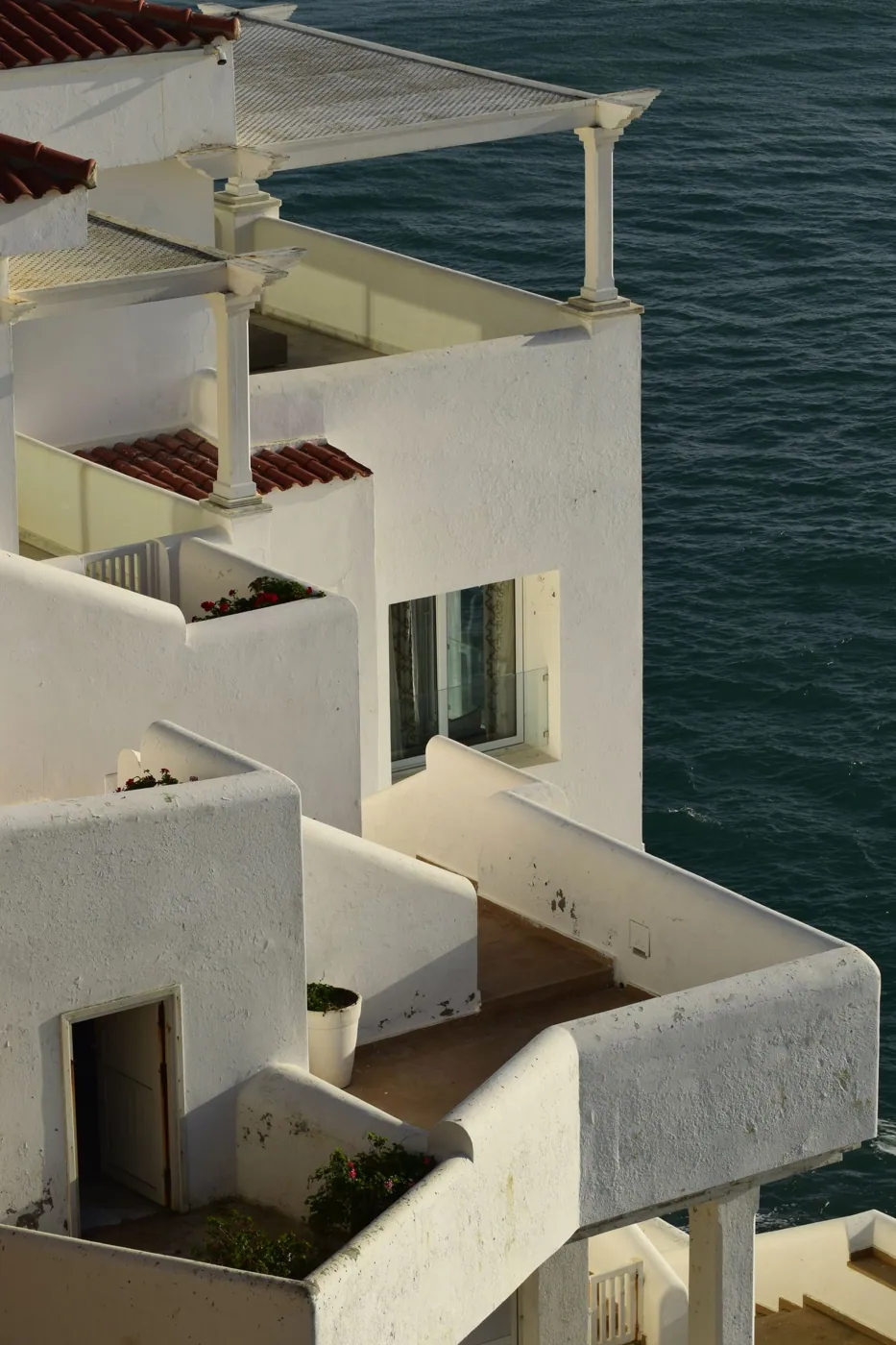
Build each property page around the questions guests ask before they commit: where everyone sleeps, what’s private and how the place feels.
Keep the availability action visible on a small screen. Carry dates and party size through to the quote.
Build your own domain, guest journey and content. Define which booking services bill you separately before you choose the setup.
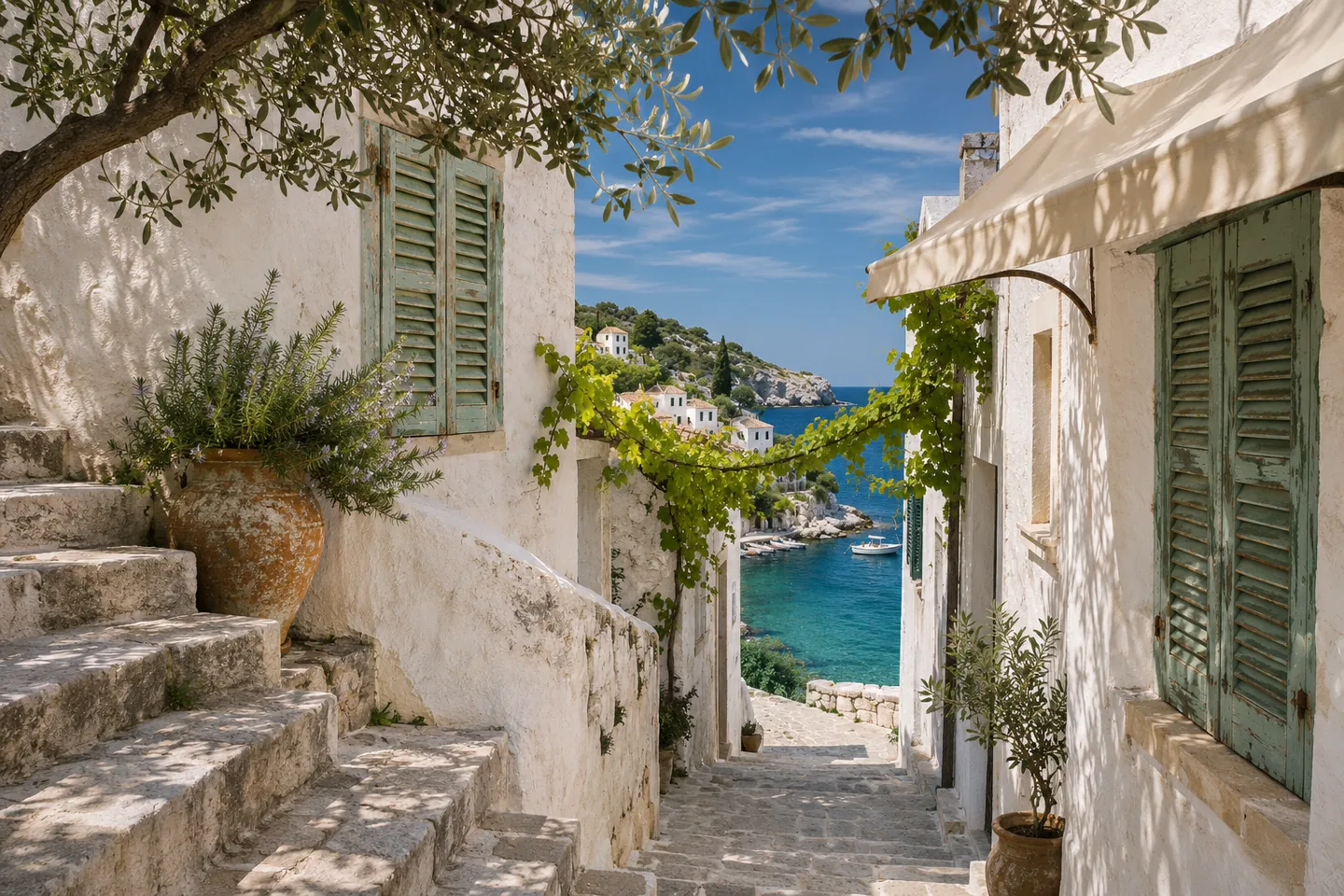
A gallery helps guests picture the stay. A local guide answers how they’ll get around. A property page keeps dates and room details within reach when they’re ready.
Read the website checklist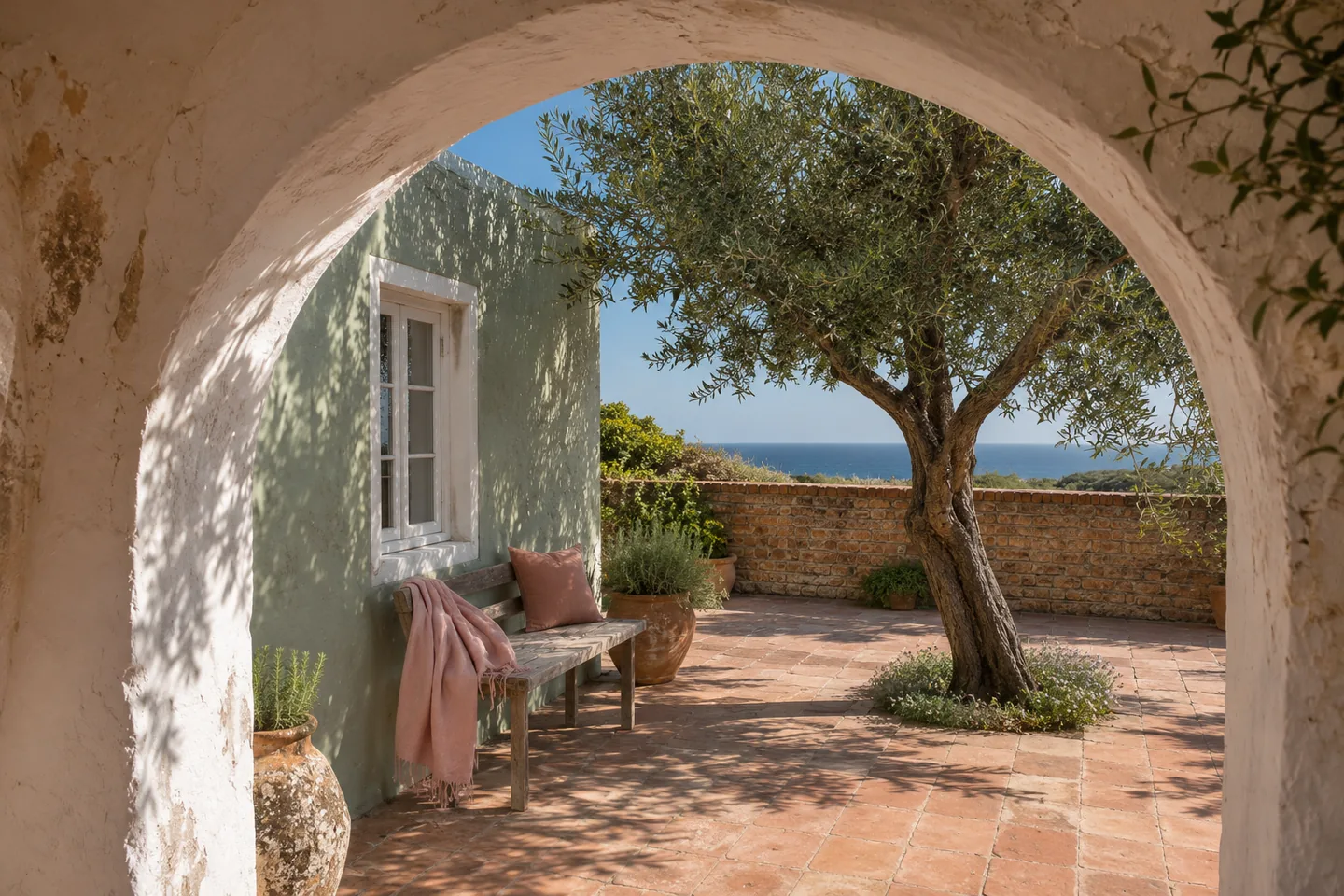
Start with the view they’ll wake up to. Then show where everyone sleeps, what’s theirs to use and where they can check dates. We design the page in the order a guest wants to explore it.
Explore website designFollow the decisions a guest makes from the first search to the moment they book.
Show the location, spaces, and details that make the property a good fit for the guest’s plans.
Get discoveredGive guests enough detail to picture the whole trip. A useful local guide makes your website a place to plan it.
Show the route guests can take on foot and where the steps begin.
Explain where to park, unload and find the entrance.
Point guests to the basics they may need before check-in.
Give a single property room for its photography, local details and availability.
Help guests filter and compare listings without losing the character of each stay.
Bring the direct channel into your property management and enquiry workflows.
Tell us how guests book today and where you’d like the website to help.
Plan your website