A couple opens your website on the train. They have three properties saved and a weekend in mind. In a minute they need to answer: will the place suit us, is it free, and who do we pay? Use those three questions to decide what belongs on the page.
Show the facts that change a decision
Write a two-sentence property description that says what the guest gets to themselves. “Two bedrooms” leaves questions open. “One king downstairs, two singles upstairs and a bathroom on each floor” settles the layout. Mention steep steps, shared access, difficult parking or a sofa bed where those details affect the stay.
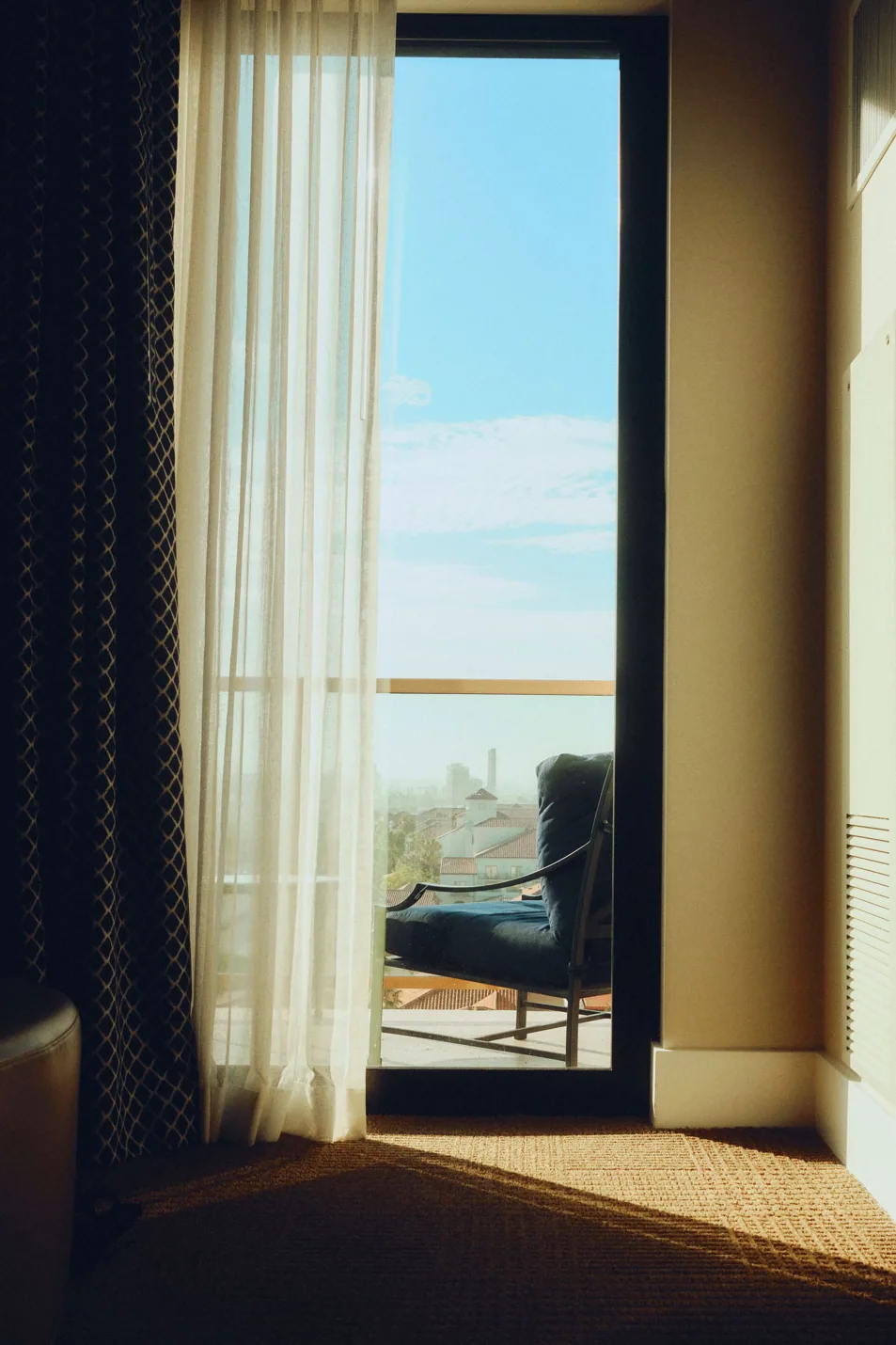
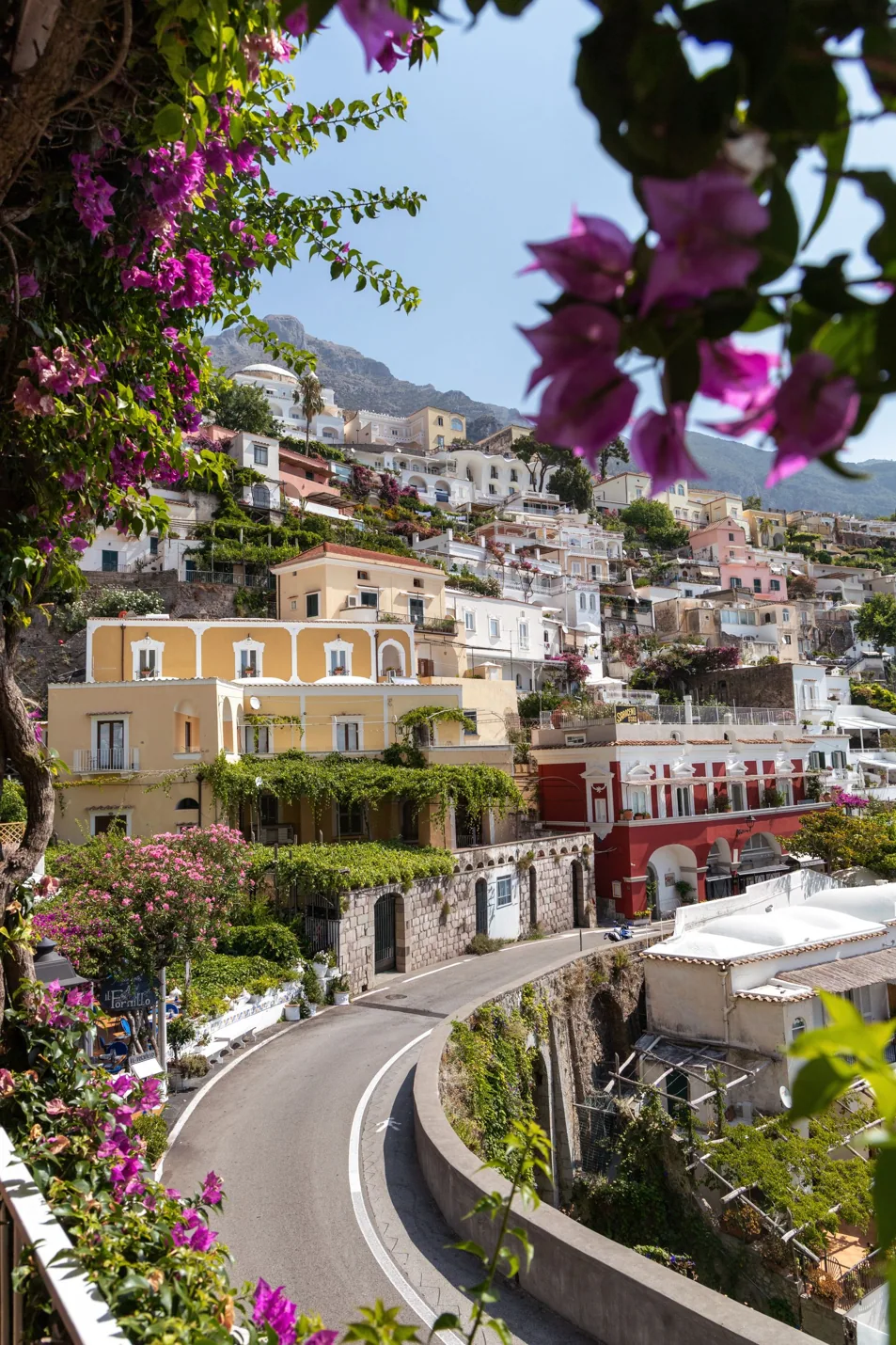
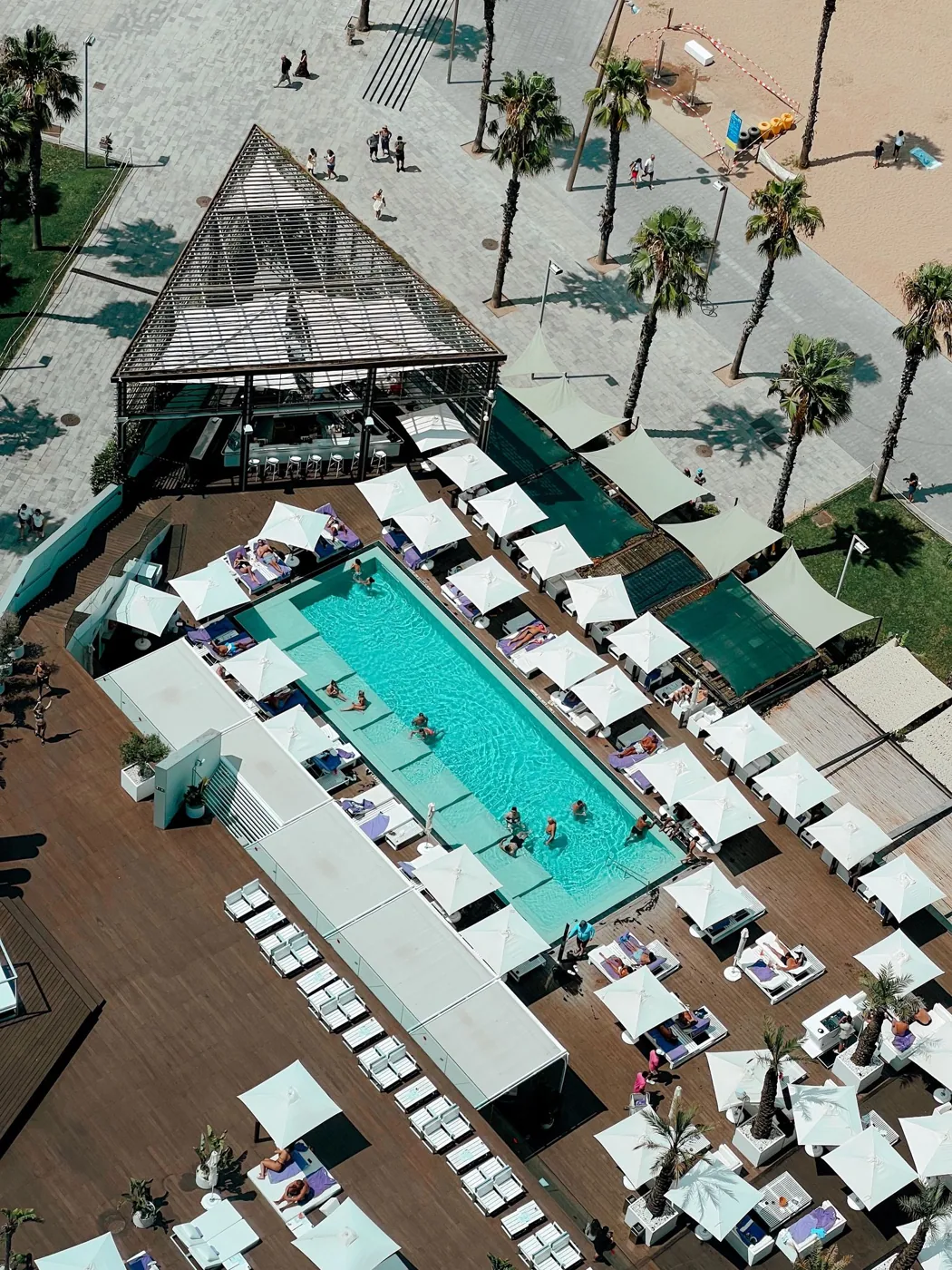
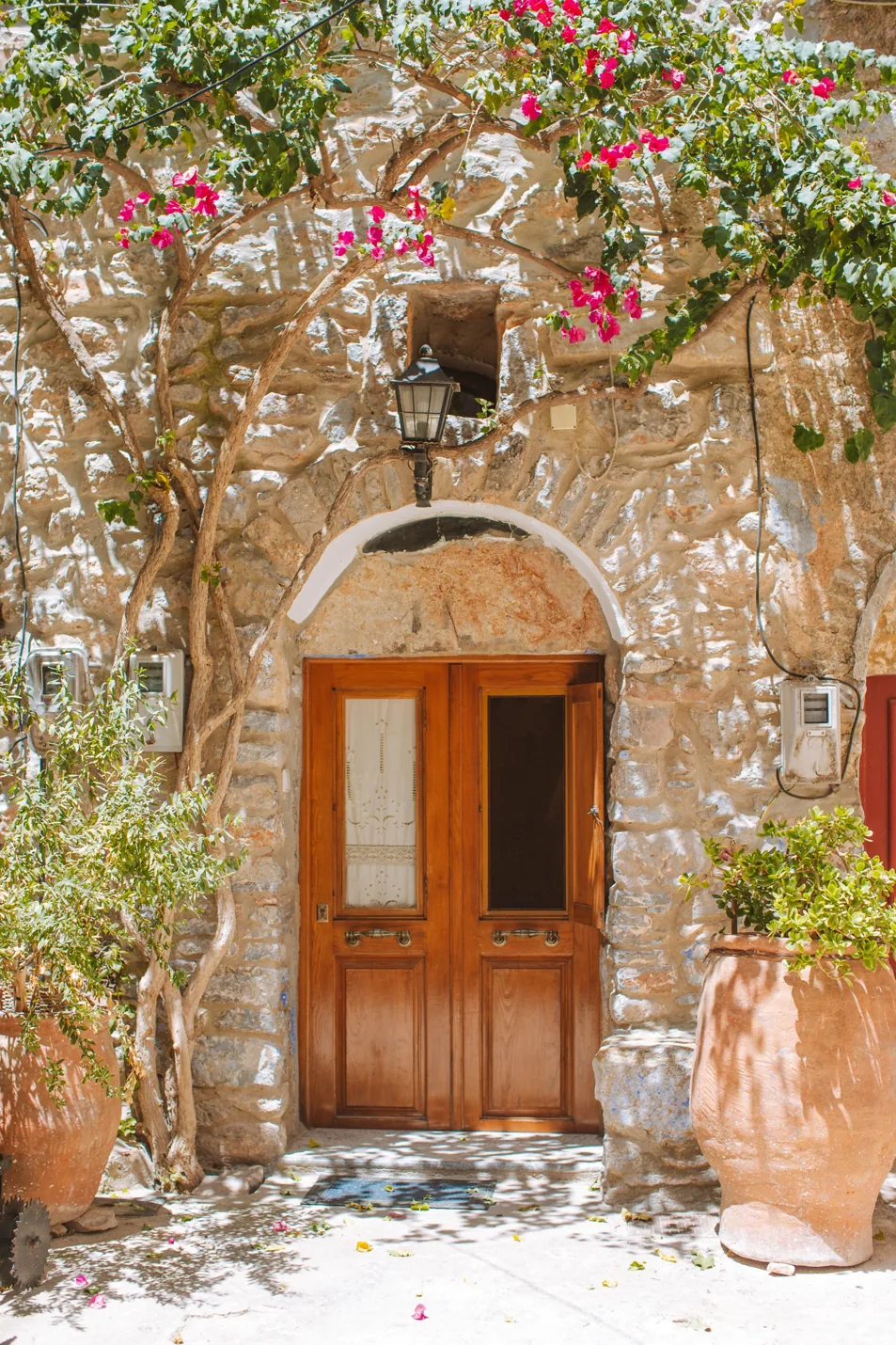
Order the gallery the way a guest imagines the visit. Lead with the property’s strongest feature, then cover the arrival, living space, bedrooms and bathroom. Use captions on photographs that answer a practical question, such as which terrace belongs to which unit.
Put availability near the room facts
Place a visible availability action next to the essentials. When the guest selects dates and opens another room, keep the selected dates and guest count so they can compare. On a long page, a simple mobile booking bar can bring them back to the dates without covering the text.
Test the full path using one weekday stay and one weekend stay. If a date pair breaks a minimum-night rule, say what rule applies. A generic “unavailable” message gives the guest no date to try next.
Give the total and the terms room to breathe
Show the full mandatory cost before asking for personal details. Keep cancellation terms, any deposit, and arrival restrictions close to the total. The guest should also be able to find a clear contact route on the website if the booking requires an exception.
Run the page past someone who has never seen it. Give them an actual scenario, such as two adults, a child and a dog arriving on a Friday. Watch where they stop. Fix missing answers first, then work on visual polish.
Keep the checklist close to the page
Review the page whenever a room changes, a fee is introduced or a seasonal rule kicks in. Name the person responsible for editing the site and the system that supplies pricing. A two-minute test booking after each change is a useful habit.
Build one page for the Friday test
Here is a practical order for a two-bedroom cottage. Put the best exterior or living-room photo first. Pair it with the town, the maximum occupancy and a date picker. Use the next screen for sleeping arrangements, bathrooms and the two features that actually sell the cottage. Add the full photo gallery, the arrival details and house rules before the final invitation to check dates. The order gives someone who already knows the area a short path to the quote, while giving a first-time guest enough evidence to keep reading.
Then ask three people to do the same task on their own phones: find the bed layout and get a price for Friday and Saturday for two adults and a child. Ask each person to say what they expect to pay, who they are booking with and when they can cancel. Write down their answers before explaining anything. If two people miss the cleaning fee or think they are booking the wrong unit, fix the placement of the information and try again.
Look for where the page loses momentum
If you can measure the flow, log when someone opens availability, receives a quote, starts checkout and gets a confirmed reservation. Use the same event names across properties and distinguish a quote result from a button tap. Ask your analytics and booking providers which handoffs can be tracked. Keep guest names and payment details out of ordinary analytics events.
Review performance with the calendar in mind. Several failed searches for a sold-out holiday weekend say something different from people opening an available quote and stopping when the fees appear. Group what you find by property and week before changing the layout.
Topics in this guide
- vacation rental website
- direct reservation page
- property page checklist
- rental room layout
- stay availability button
- guest booking questions
- holiday home photography
- rental cancellation copy
- property detail page
- booking page trust
- rental website navigation
- amenity descriptions